Front Office Automation for Clinics
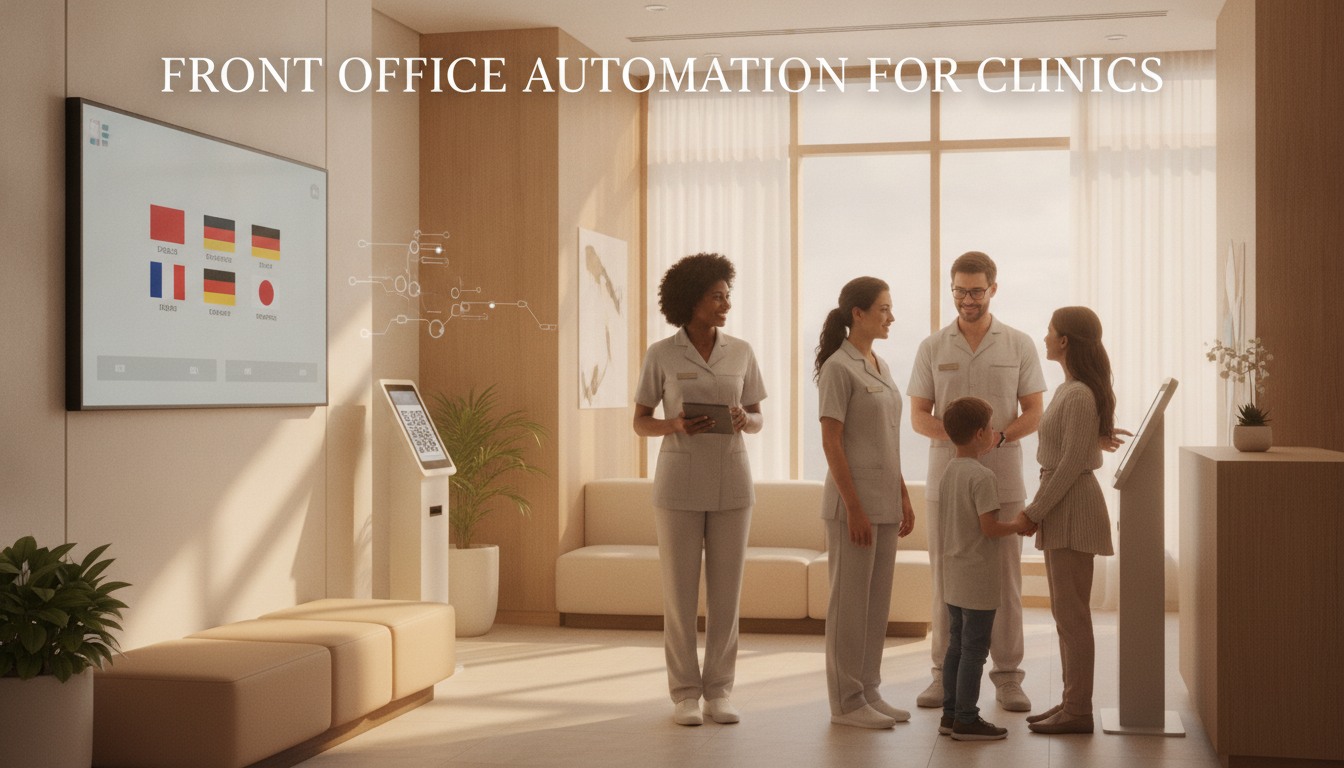
Front office automation can remove repetitive steps from enquiry and appointment handling. It works best when the clinic decides which tasks are administrative, which need judgement, and exactly when a staff member takes over. Without those boundaries, a faster reply can still be the wrong reply.
Set the task boundary
Automatic messages can confirm receipt, share opening hours, collect basic booking details, show available times, and explain how to change an appointment. They should not diagnose a condition, judge treatment suitability, or improvise clinical preparation. Those questions need an approved protocol or a qualified person. Write this boundary into the workflow. List the questions the system may answer, the details it may collect, and the conditions that trigger handover. Give the handover queue an owner and a response target so exceptions do not sit unseen.
Handle language by choice
Ask each contact to choose a language and save that preference with the record. Device settings and names are weak substitutes for a direct choice. Once selected, use the same language for confirmations, booking changes, and handover notes unless the person asks to switch.
Each language needs approved wording and an end-to-end test. Check dates, times, addresses, formal terms, and the route back to a person. A translation that reads well on its own may still break when a button, calendar field, or staff reply returns in another language.
Connect the diary and inbox
The booking flow and clinic diary must agree on availability. Test new bookings, cancellations, moved appointments, duplicate requests, and messages sent while the diary is unavailable. If two systems can update the same appointment, define which one is the source of truth.
Store the enquiry, next action, appointment status, and last message together. Reception should be able to see what the system sent before replying. That record prevents repeated questions and makes incorrect or conflicting messages easier to trace.
Use reminders for administration
A reminder should show the date, time, location, and a simple way to confirm, cancel, or move the visit. Keep health details out of ordinary notifications. Use the patient's chosen channel and test timing against delivery, confirmation, change, and attendance records.
Follow-up after a visit also needs a defined purpose. A message can thank the patient, collect service feedback, or point to a follow-up already requested by the clinic. It should not create a new clinical instruction or imply that another treatment is suitable.
Plan staff handover
Reception needs a visible queue for messages that fall outside the script. The record should show why the message was escalated, who owns it, and when the contact can expect a reply. Staff should also be able to stop an automatic sequence when circumstances change.
Review failed deliveries, duplicate bookings, unanswered exceptions, and manual corrections. These events reveal where the workflow needs a clearer rule. They are more useful than a broad count of messages sent.
Measure operating results
Track response time, handover time, booked appointments, attended appointments, cancellations, and missed visits. For multilingual flows, compare completion and error rates by language. A difference signals where to inspect wording or routing, not a conclusion about the people using that language.
Connect automation to the clinic diary, define staff takeover, and test every language before using the flow with patients.