Appointment confirmation texts
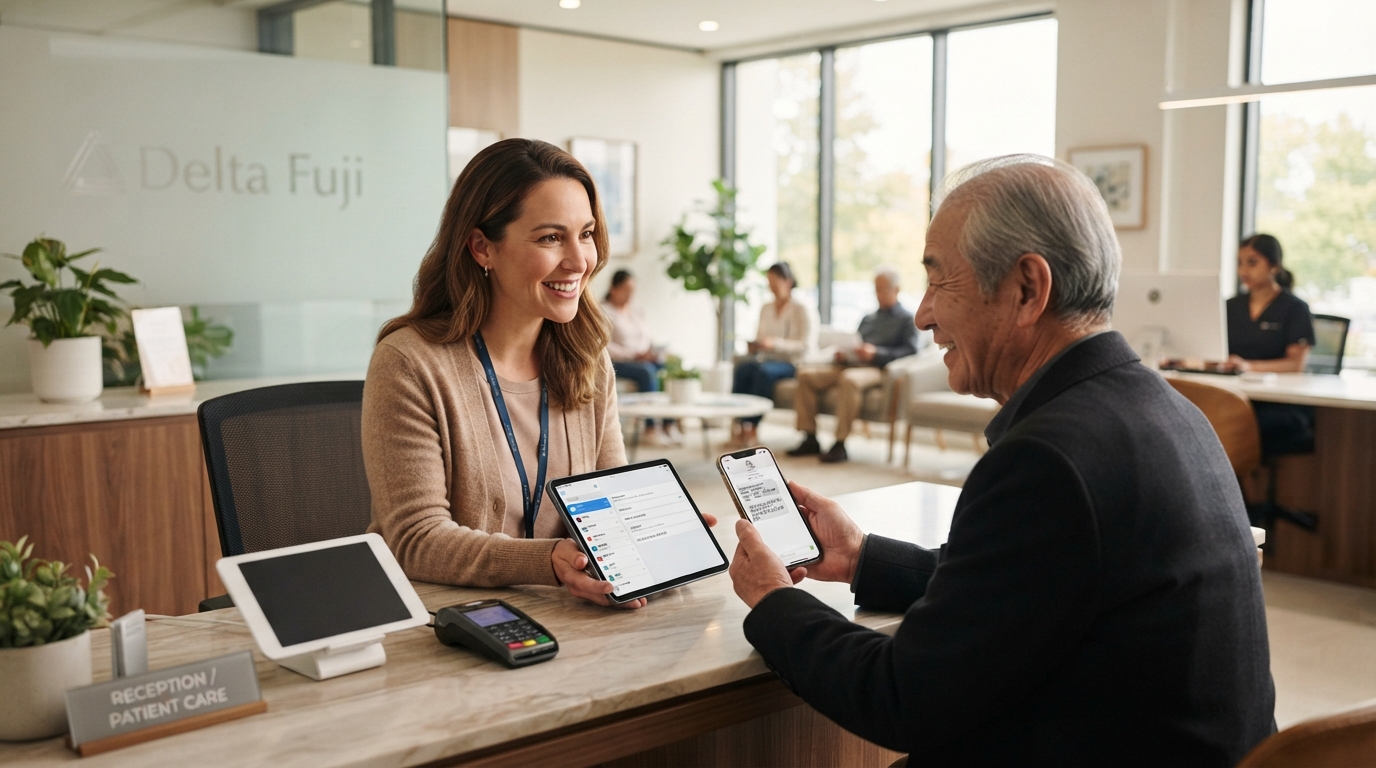
Appointment details and replies
Write a clear confirmation message with the appointment date, time and location. Ask the patient to confirm whether they plan to attend.
Keep the text concise and remove information the patient doesn't need for the booking. Use their preferred language and check the translation of the date, time and location.
Multilingual messages
Write confirmation texts in the patient's preferred language. Check the translation and remove expressions that could be unclear in another language.
Cultural sensitivity is another critical factor when crafting multilingual texts. This involves being aware of cultural norms and expectations in communication styles. For instance, the formality of language, the tone used, and even the way dates and times are presented can vary greatly between cultures.
Booking workflow
Set up the booking workflow to send a confirmation when an appointment is booked. Check failed deliveries and assign someone to review replies, including requests to change a time.
Choose the confirmation and reminder times in your workflow. A confirmation sent after booking and a reminder sent before the appointment are separate messages. A reply confirms the patient's stated intention; attendance must be recorded separately.
Communication channels
Ask which channel the patient prefers, such as SMS or WhatsApp, and record that choice. Check that the clinic can send a message and receive replies through the chosen channel.
Compare the cost and availability of each channel, including how the clinic handles replies and failed deliveries. The patient's language and the message translation need checking whichever channel you choose.
Replies and attendance
Track response rates and appointment attendance separately. Count how many patients confirm a booking and how many attend. A confirmation alone doesn't show that a visit took place.
If one message has a higher confirmation rate, compare its wording, send time and recipients before changing the template. Keep measuring attendance separately when you test a new version.